Active Upgrader.pro promo codes for August 2026
We tested the available Upgrader.pro codes and found two options that provide the same percentage boost. HELLAGOOD is our preferred choice because it worked without any problems and is designed for balance top-ups rather than registration.
| Promo code | Bonus | Claim |
|---|---|---|
| HELLAGOOD | 5% bonus on your balance top-up | Get it now |
| HELLA | +5% bonus on every eligible balance top-up | Get it now |
Best option: use HELLAGOOD before you pay. The code applies to the top-up itself, so entering it after the transaction is too late.
What is an Upgrader.pro promo code?
An Upgrader.pro promo code adds an extra reward to an eligible account action. Depending on the campaign, a code may unlock a top-up bonus, a free case or another limited reward. With HELLAGOOD, the benefit is straightforward: apply the code in the balance window and an extra 5% is added when the qualifying top-up is processed.
Not every code is available to every account. Some promotions can be restricted to VIP users, new players or specific campaigns. Codes are generally single-use and case-sensitive, so review the confirmation in the payment window before sending funds.
Our experience testing Upgrader.pro
After the 5% bonus was credited, we tested both high-risk and more controlled upgrades. The results showed why the displayed probability matters more than the headline value of the target skin.
The upgrade missed at roughly a 5% chance, but the account received a compensation skin worth about 100 points.
The result missed again. A sticker worth approximately 85 points was provided as the consolation item.
At around a 30% displayed chance, the upgrade succeeded and the target skin was credited.
We combined 396.67 points of skin value with 400 balance points and received an Aristocrat skin valued at up to 996 points.
The extra 5% created more room for testing, but it did not change the random nature of each upgrade. Every result still depended on the probability shown before confirmation.
How to activate an Upgrader.pro promo code
The code is entered during the balance top-up process rather than during Steam registration. Follow the five steps below and confirm that the code is accepted before making payment.
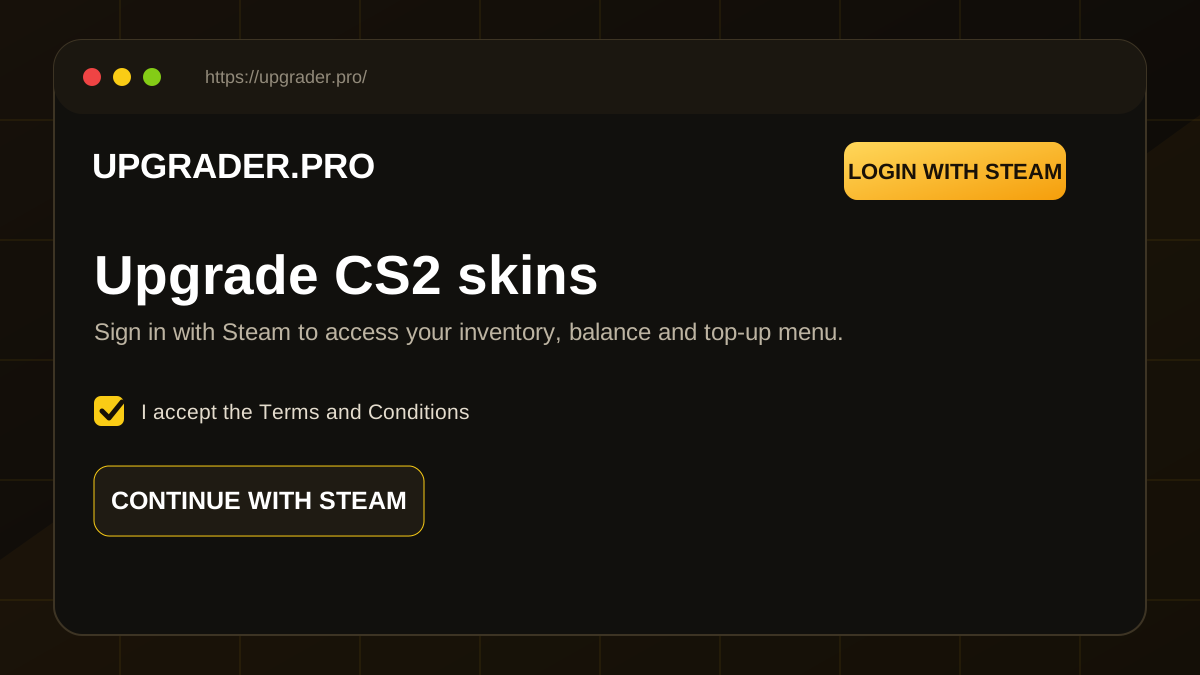
Create or log in to your account
Open Upgrader.pro and select Login with Steam in the upper-right corner. Accept the terms when prompted and complete the Steam authorization.
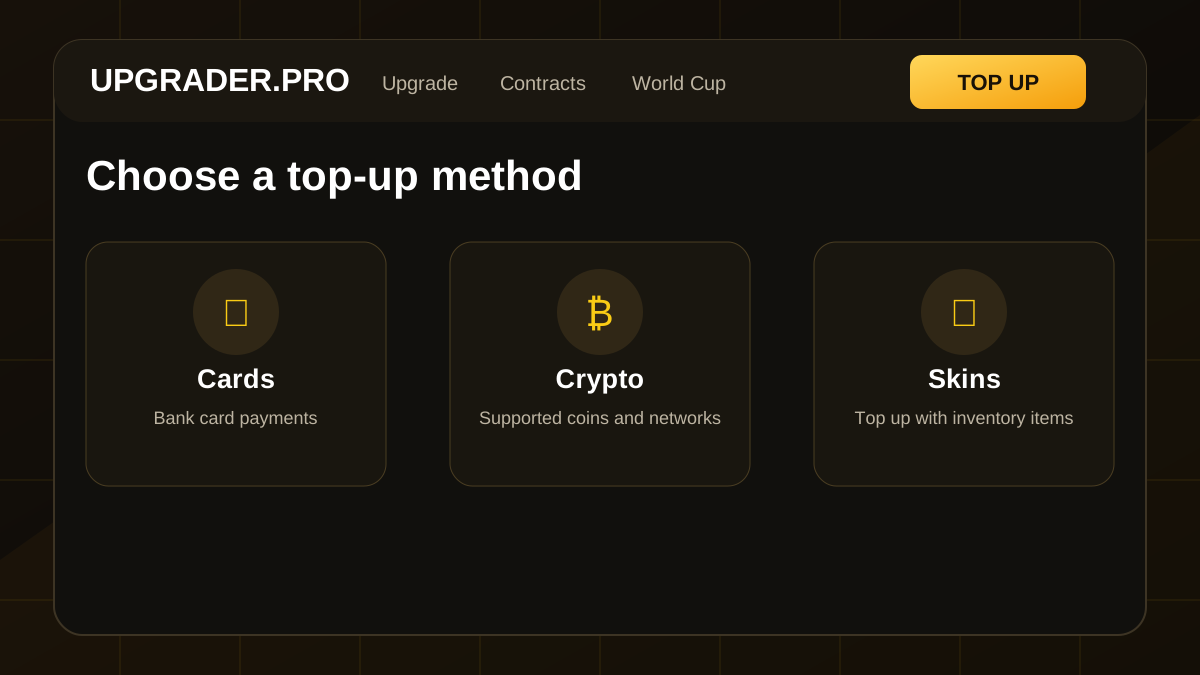
Open the Top Up window
After signing in, click the yellow Top Up button. The balance window displays the available payment categories, including cards, crypto and skins.
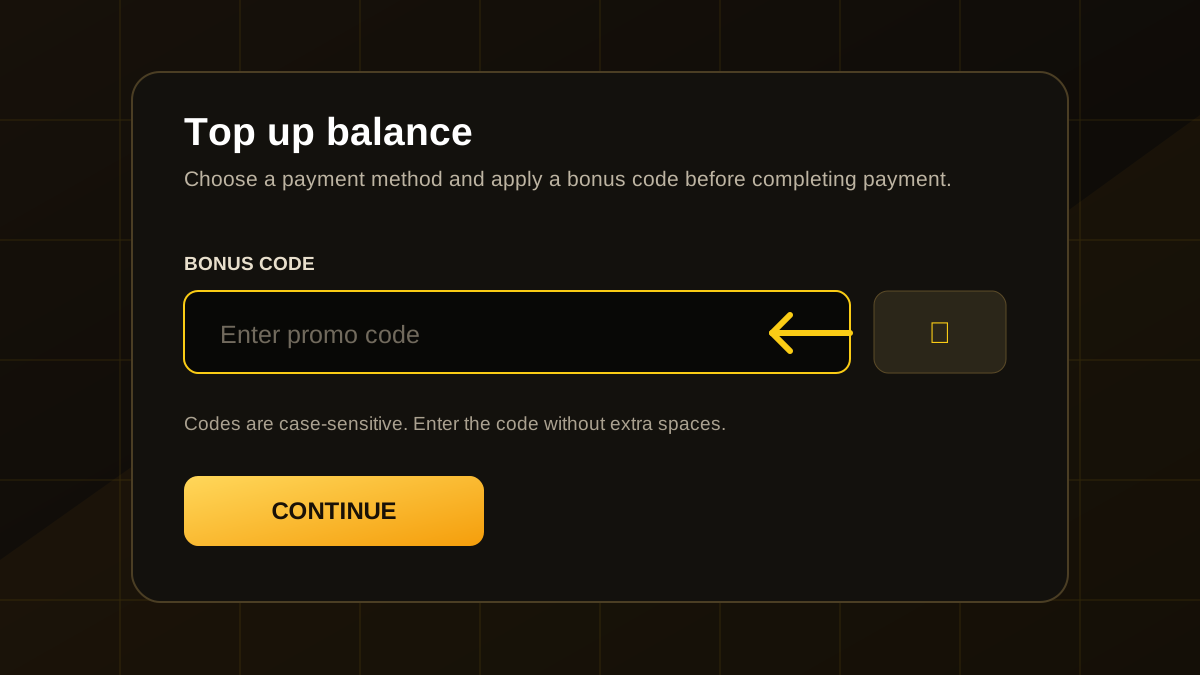
Locate the bonus code field
Find the dedicated bonus-code input before completing your payment. The code must be applied inside this window for the top-up to receive the additional balance.
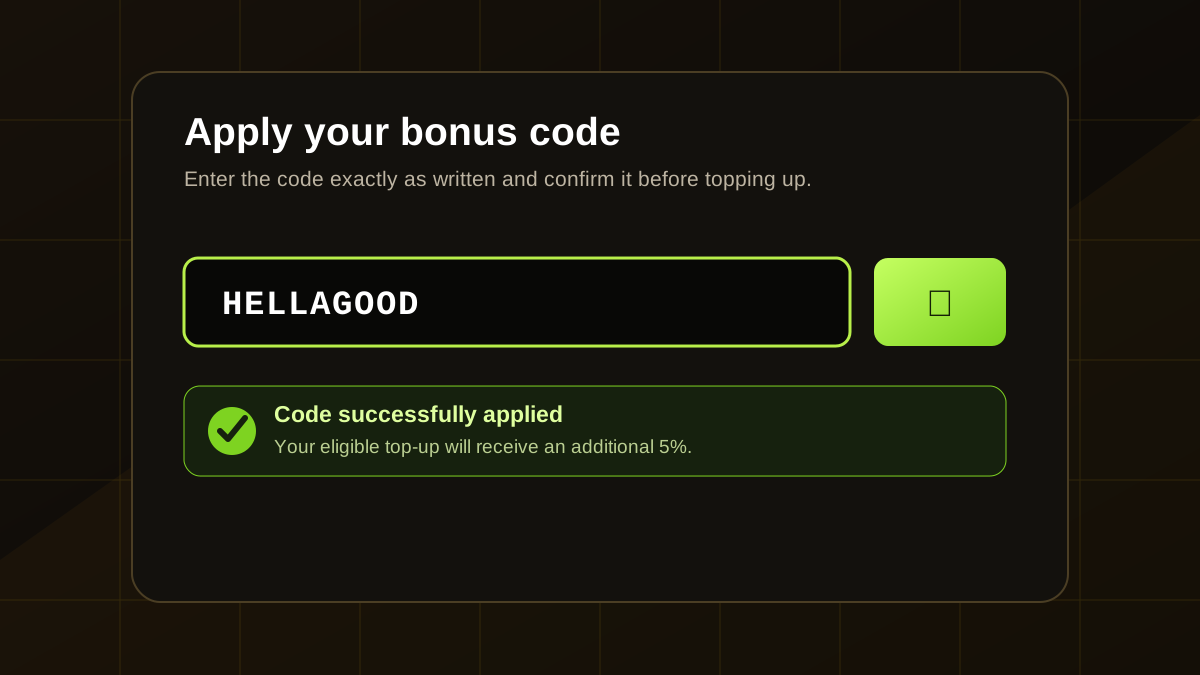
Enter HELLAGOOD and confirm it
Type HELLAGOOD exactly as shown and select the check button beside the field. Avoid spaces and keep the capitalization because the code is case-sensitive.
Complete the balance top-up
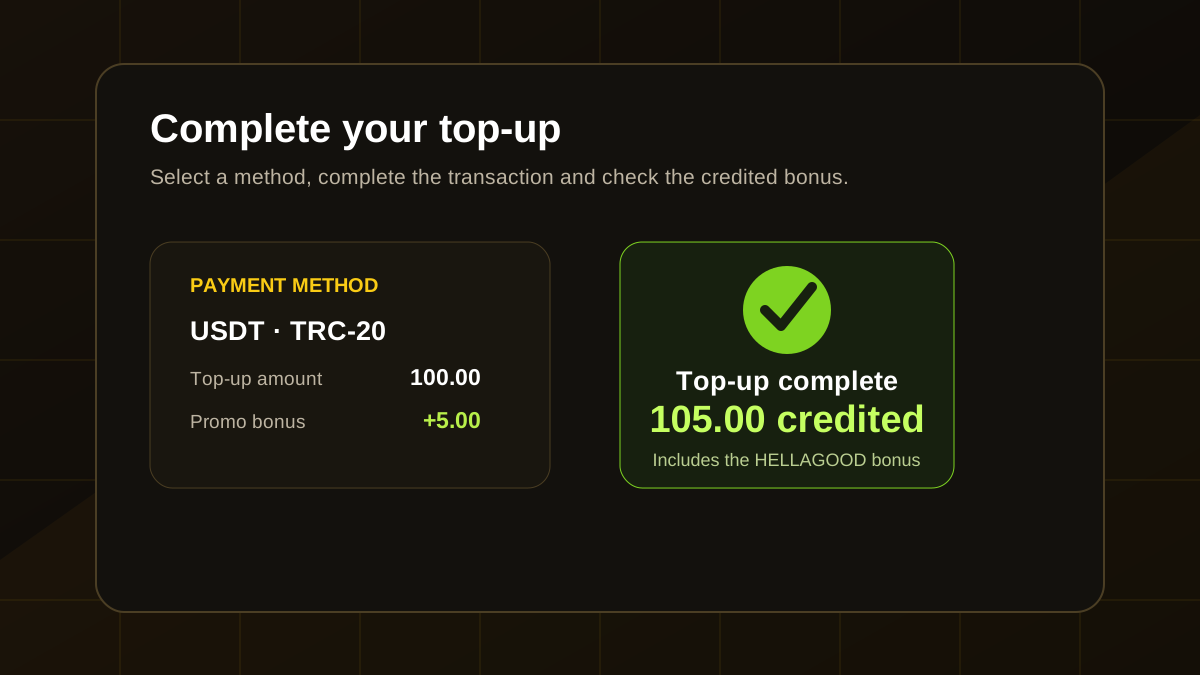
Choose your preferred method and complete the transaction. In our test, a USDT payment on TRC-20 was processed and the additional 5% appeared immediately with the credited balance.
How the Upgrader.pro CS2 upgrade system works
The upgrade tool lets you place one or more skins or balance value against a more valuable target item. Before confirming, the platform displays the success probability for the exact combination you selected.
Choose one skin, combine several inventory items or add available balance.
Select the CS2 item you want and review the displayed value difference.
Confirm only after checking the exact percentage and understanding the possible loss.
A smaller jump in value generally produces a higher displayed chance. A large multiplier or rare target lowers the probability. If the result succeeds, the target item is added to the inventory. When an upgrade misses, the test account sometimes received a lower-value compensation item, but this should not be treated as guaranteed.
Tips before upgrading your skins
The 30%, 50% and 70% options made risk easier to understand than chasing an extreme multiplier.
Several low-value skins can create a more balanced stake than risking one valuable item on a long shot.
When a miss produces another item, review its actual resale or upgrade value before dismissing it.
Decide how much skin and balance value you can lose before starting and stop when the limit is reached.
Upgrader.pro bonus code terms
Promotional balance, cashback and gift credits cannot be refunded after they are added.
The supplied terms state that promo-funded balance must be used once through eligible platform activity before related withdrawals.
A code cannot be repeatedly redeemed through the same account or stacked for multiple rewards.
Creating or sharing accounts to obtain extra rewards can violate the platform rules.
The active codes do not show a fixed public end date in the supplied material, but availability can change.
The top-up bonus is linked to the transaction, so the code must be confirmed before funds are sent.
Other Upgrader.pro promotions
Upgrader World Cup
The World Cup is a nation-based leaderboard. After signing in with Steam, players choose a country and their upgrade activity contributes to both the national score and their individual position.
Butterfly Knife | Lore
Flip Knife | Tiger Tooth
Survival Knife | Tiger Tooth
Additional rifle and pistol prizes are listed for positions four through ten. Participation does not require another promo code; eligible upgrade activity is what counts. Leaderboard positions can change during the event.
Is Upgrader.pro legit?
The supplied company information identifies ITSFAIL LTD, a registered UK company based in Cheshire, as the operator. The platform also describes encrypted HTTPS connections, PCI DSS and SSL-compliant payment processing, Steam-based login, AML controls and identity checks at higher transaction thresholds.
These details improve transparency, but they do not remove the financial risk of skin upgrading. Upgrader.pro is not affiliated with Valve, and a displayed probability should never be interpreted as a promise that an upgrade will succeed.
Pros and cons of the Upgrader.pro bonus
+5% extra balance, quick activation, automatic application after top-up, and potential availability for new and existing accounts.
One code per account, account-specific eligibility, non-refundable promotional funds and wagering conditions.
Why is the Upgrader.pro promo code not working?
HELLAGOOD must be confirmed before the balance transaction is completed.
Use HELLAGOOD in uppercase without spaces or extra characters.
The offer is described as one redemption per account.
Some bonuses can be restricted by account status, campaign or region.
The additional 5% is credited with a successfully processed eligible top-up.
Do not continue until the code field shows that HELLAGOOD has been applied.
Upgrader.pro promo code FAQ
What is the best Upgrader.pro promo code?
HELLAGOOD is the featured code. It adds 5% to an eligible balance top-up when applied before payment.
Does HELLAGOOD work during registration?
No. The supplied activation flow places the code inside the Top Up window after Steam login.
Can existing users claim the 5% bonus?
The offer is described as working for new and eligible existing accounts. The confirmation inside the Top Up window determines whether the account qualifies.
What payment methods are available?
The top-up interface includes cards, supported cryptocurrencies and CS2 skins. Exact methods can depend on location and account settings.
Is the promo code case-sensitive?
Yes. Enter HELLAGOOD exactly as written and remove any extra spaces.
Can HELLAGOOD be combined with HELLA?
No. The supplied terms limit codes to one redemption per account, so choose one code rather than trying to stack both.
Is the 5% bonus withdrawable immediately?
No. The supplied terms describe a 1× wagering requirement on promo-funded balance before related items can be withdrawn.
Upgrade responsibly
CS2 skin upgrading can result in the loss of skins and balance. Use the displayed probability, set strict value limits, never chase a missed result and do not treat promo balance as guaranteed profit. This page is intended only for adults where this activity is permitted.
Claim the Upgrader.pro top-up bonus
Open Upgrader.pro, sign in through Steam, select Top Up, enter the code below and confirm it before completing your eligible payment.