
CS2 Tools
Choose a free Counter-Strike 2 tool: create and customize a crosshair, or practice aim and reaction time in your browser.
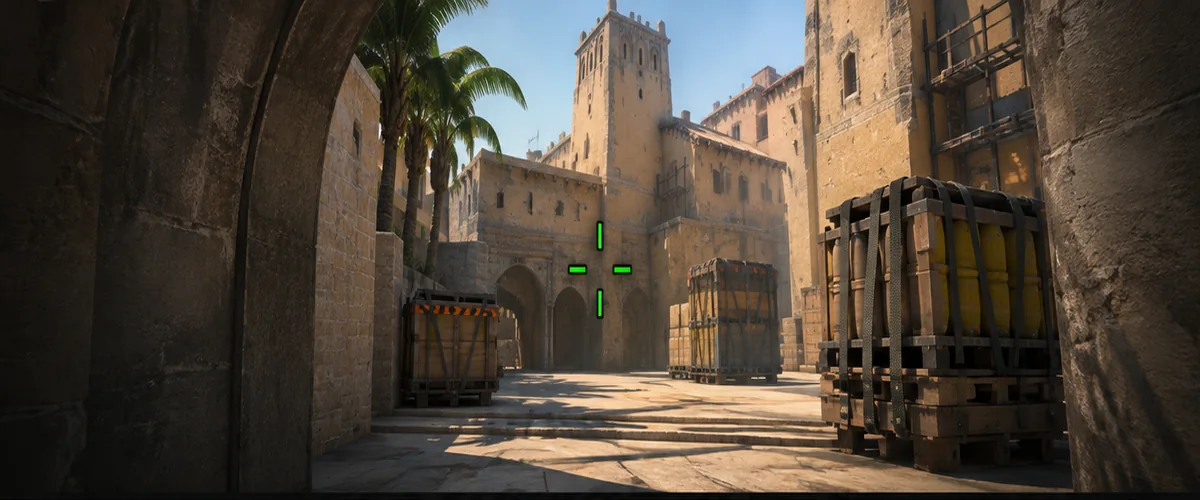
CS2 Crosshair Generator
Create and adjust your CS2 crosshair, choose colors and shapes, compare two configurations and copy native CS2 share codes or console commands.
Open Generator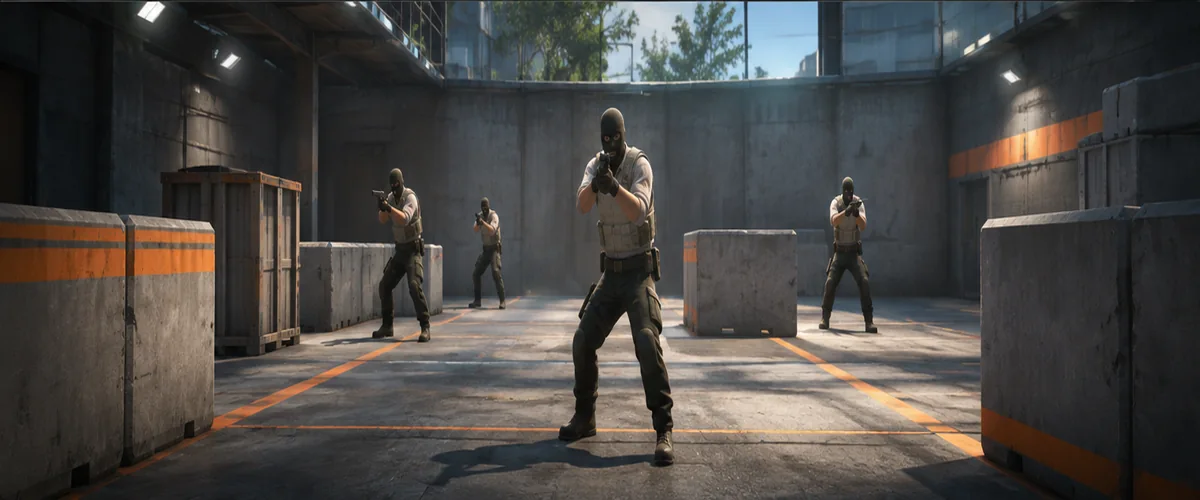
CS2 Aim Trainer
Train aiming, moving-target clicks, flicks, reaction speed and tracking in your browser. Use a crosshair from the generator and review session statistics.
Start TrainingFree CS2 Tools for Crosshair Setup and Aim Practice
CSGOPromoCode provides interactive Counter-Strike 2 tools in one place. Use this page to find the right tool quickly without looking through separate site sections. Both tools work in modern browsers, with core features available without creating an account.
Customize and compare your crosshair
Start with the CS2 Crosshair Generator to edit the shape, gap, thickness, opacity and color of your aiming marker. Preview your settings, compare alternatives and copy a compatible crosshair share code to use in Counter-Strike 2.
Practice with your own crosshair
Then open the CS2 Aim Trainer to practice static and moving targets, flicks, precision and reaction timing. The trainer uses a browser-based simulation: results measure your performance in the tool, not guaranteed performance or recoil behavior in the CS2 game client.
Which CS2 tool should you choose?
Choose the generator if you want to find a more visible and comfortable crosshair. Choose the aim trainer if you want a repeatable way to practice pointer control and compare your personal session results. You can switch between both tools from the Tools menu at the top of the site.